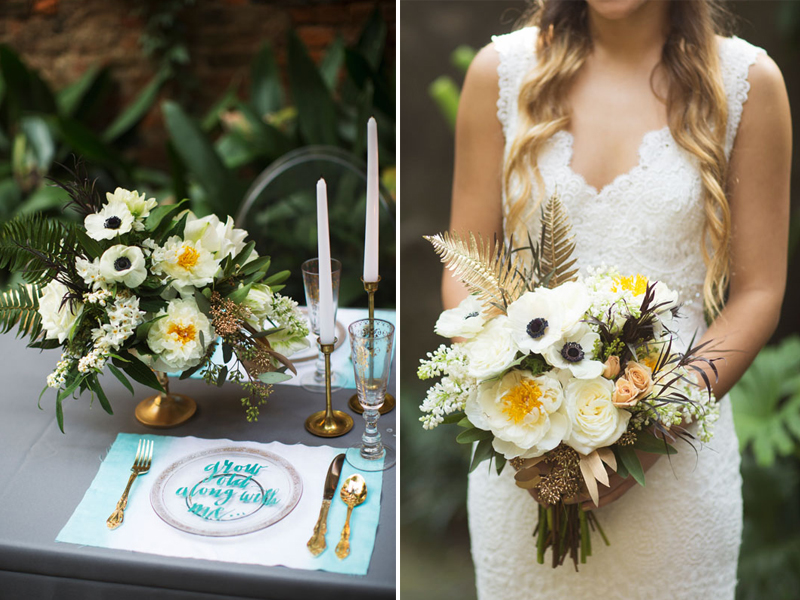
Happy Monday! I love how soft and dreamy these images are. They make me think of a sunny daze. Hope y’all had a great weekend and that your week is peachy keen!
Edge Painted Business Cards [Friday Favorites]
I’ve been thinking about getting some new business cards just because I like the look of these edge painted cards so much. I have been seeing this technique around a lot lately, here are a few of my favorites.
Moo.com has even come out with a new Luxe business card, with a rich seam of color running through the paper (not the same technique as edge painting, but the same effect). If you follow this Moo link you get 10% off your first order!
Photos click through to their sources. This post is not sponsored by Moo, I just really like their products.
Mother’s Day Card Freebie
Mother’s Day is only a few days away so I wanted to share this freebie with you guys in case you are still looking for a card! I’m trying to branch out a little in my design style so I hope y’all enjoy this whimsical, hand lettered design!
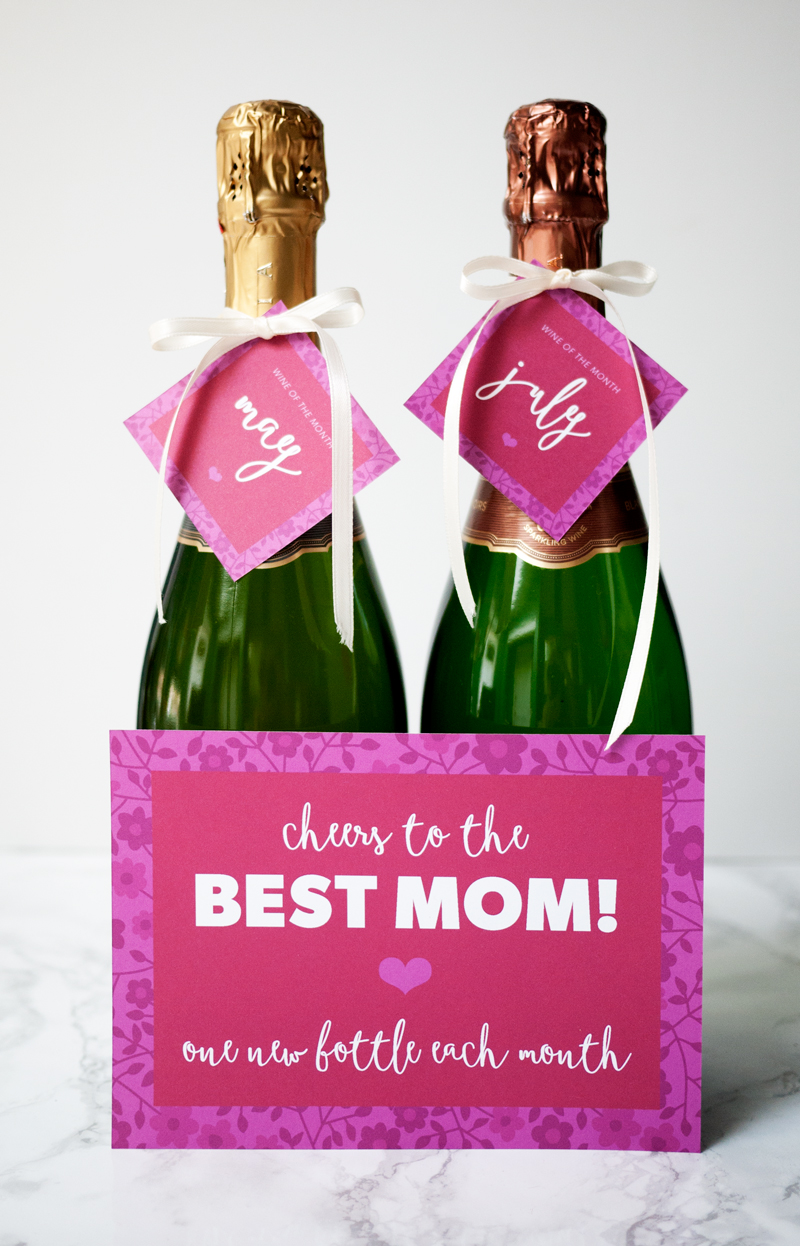
More Mother’s Day Freebies: Bee Card and Wine a Month Gift Printable
Happy Accidents
Mod Cloth’s new look book is all about happy accidents. I think it is such a fun concept and great execution of the idea!
You can check out the whole story and style book here.
Saloon
I stopped in to Saloon the other night while in Davis Square and posted this photo to Instagram because I just LOVED the menu design. Actually, I noticed that everything in the bar was branded beautifully. The next day I searched the web to see who designed it and I should have know… it was the work of Somerville based, Oat Creative. I featured their work for Island Creek Oyster Bar a few months ago and they just keep pumping out spectacular work!
Saloon is inspired by the iconic New York City pre-prohibition establishment. With a focus on brown liquors and local beers, Saloon calls reference to a time when drinks were serious and uncomplicated. The menu is intended for sharing and combines American fare with contemporary favorites.
photos via Oat
Design Tips – Facebook Timeline for Pages
On March 30, 2012, all Facebook Pages will get a new design, kinda scary, right? But the good news is, you can preview your page and try out the new features now! Just hit the “preview” button when prompted and you don’t need to publish it until you are ready (or March 30)!
I manage a few different fan pages on Facebook so when I saw that the timeline for pages was launching, I decided to go ahead and get the switch over with! I definitely learned a few things during this process and would love to share some tips!
Choose a Unique Cover Image
The new design includes a huge cover image (851 x 315 pixels) to immediately convey your brand to the public. Your cover photo is the first thing people will see when they visit your page so it’s important to be creative and have something unique! The photo should introduce your company and engage new viewers.
Example: I wanted to feature my workspace as well as a welcoming photo of myself, so I created a custom design. Some other examples of engaging photography might include, a new item in your shop, custom artwork, a popular menu item or a picture of people enjoying your services.
Simple Profile Photos Are Best
Your profile picture represents your page on other parts of Facebook, like in news feed. Select an image that is clear, simple and easily recognizable. Use your logo or another image that represents your company. Choose a photo that is square and scales well from 180 x 180 pixels to 32 x 32 pixels.
Example: For the Ciera Design page I used a simple texture along with a clean font for my company name.
Highlight What’s Important
Photos, likes and apps are now larger icons located directly beneath your Cover Image, instead of the traditional tabs along the left side of your page. Photos show in the first spot, but you can change the order of everything else so people see what matters most. Four apps are highlighted so make sure to arrange them in order of importance (you can show a maximum number of 12 apps when this view is expanded).
Example: The Ciera Design blog, Esty shop and photography are the things I want my viewer to see first, so I placed those apps in the key spaces. Other apps such as Linked In, Twitter and email sign-up are not crucial so I placed them below, along with my likes tab.
Directions: Expand the apps menu by clicking on the triangle to the right of your visible apps. Hover over each app and click the pencil icon that appears. Choose the app you’d like to swap into that spot from the menu.
Customize App Icons
Unlike the old page design, the new page lets you upload your own custom app image, which is really great! Since these tabs are now smack at the top of you page, they can really look a mess if you don’t customize them… so customize your app icons!
Before Custom App Images:
After Custom App Images:
Example: After I arranged my apps in my preferred order, I designed three custom images that matched the look of my profile photo. I wanted these icons to be bold and simple.
Directions: For each app that you would like to customize, design one image (111 x 74 pixels), click the pencil icon and “edit settings.” Here you can update the “Custom Tab Image” and the “Custom Tab Name.” Make those changes and don’t forget to hit “okay” to save! Update: You can not be in preview mode for this, but you can prepare your image ahead of time for when you are ready to make the switch.
After making these simple design changes you will be on your way to a cohesive looking Facebook page! You have from now until March 30 to work on your design in preview mode before the timeline goes live for all! If you have any questions, please leave them in the comments below.Check out my Etsy shop if you are interested in purchasing a Facebook timeline cover image design or check out Ciera Design on Facebook for inspiration!
Please note that Facebook has placed some restrictions on what can be used in your Page Cover Image, such as no direct call to action, no website url, and no directions to Like or Share your page… read more about restrictions for Cover Images here on Facebook.Carolyna is Kinda Great [Friday Favorites]
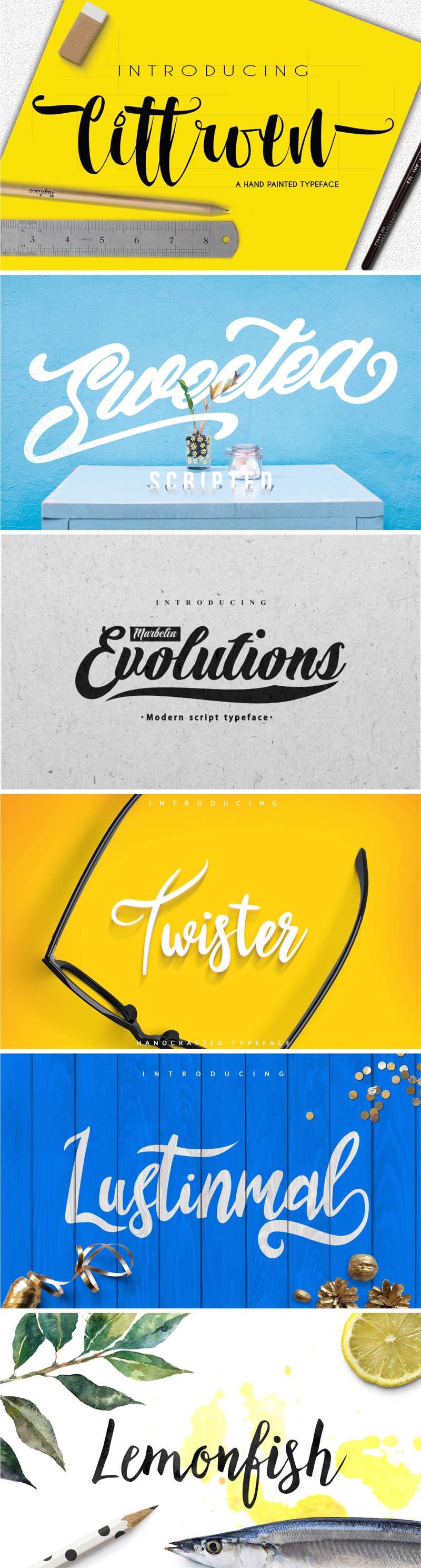
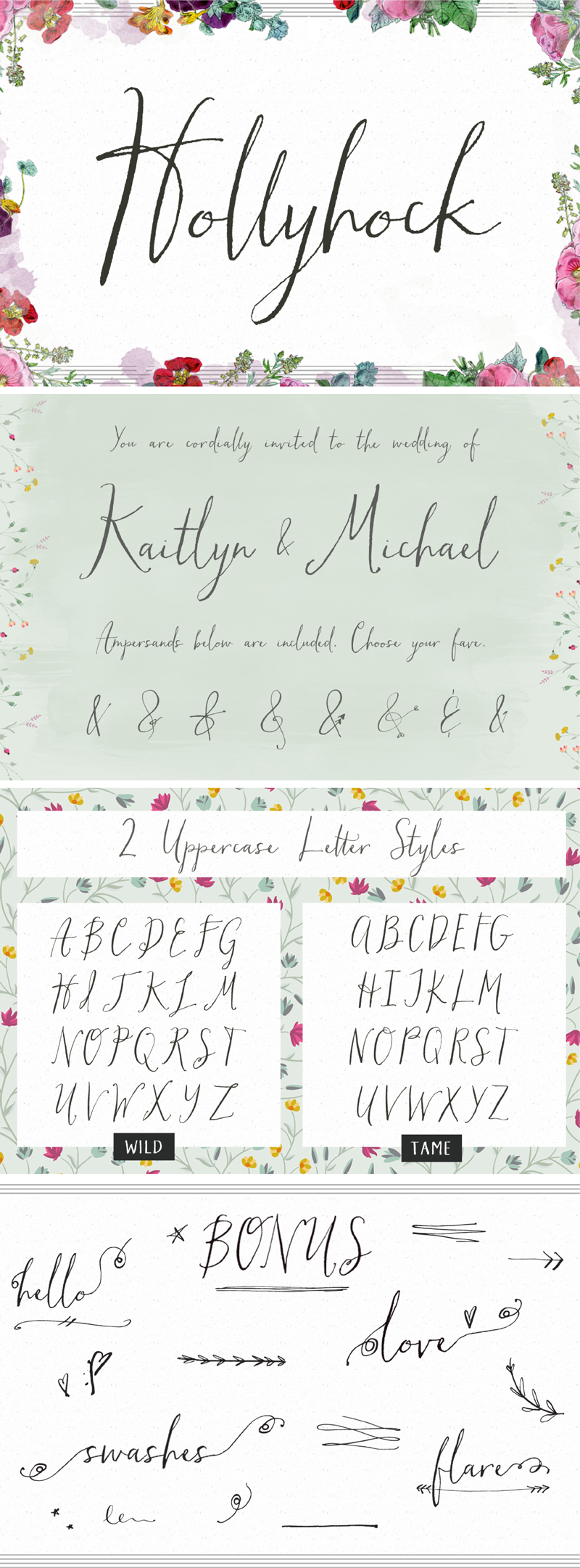
A new favorite font for you today! Carolyna, a charming new font by the Emily Lime foundry is meant to be formal, yet whimsical so that you can achieve a modern calligraphy feel.
Carolyna Pro uses OpenType features to assist with letter flow and to give each creation that spontaneous, hand-lettered touch. With over 1,000 characters, there are many stylistic alternates and fun swashes to choose from. Carolyna also has a bolder and sassy sibling, Carolyna Pro Black that was just released. So go grab them from MyFonts and create something beautiful!
Brand Spotlight: One Love Organics
Hi Design created this amazing brand for One Love Organics, a waterless skincare line. How perfect is this packaging for Valentine’s Day!
Images 1-4 from One Love Organics, image 5 by Sarah DeShaw
Peacock Party Invites
I am so excited to share this invitation suite that I designed for my best friend’s bridal shower and bachelorette party! Even though the events were on the same day, each party was a special celebration, so I decided to design two separate cards that complemented each other. While the wedding colors are inspired by peacock feathers in a more subtle way, I wanted to be bright and bold for these invitations! I printed them at home and mailed the cards together in teal envelopes lined with chartreuse paper
. I am really happy with the outcome and they definitely helped set the tone for our party marathon! Check out some of the event details, including a party survival kit!
Island Creek Oyster Bar by Oat Creative
Love the identity and collaterals for Island Creek Oyster Bar by Oat Creative. It really stands out from the typical seafood restaurant style by pulling inspiration from old school office forms, tags and stamps while incorporating clean typography, touches of handwriting and bold colors. Can’t wait to check this place out in Boston and see all of this beauty in person!